
Installing the Syteca Tray Notifications Application
NOT AVAILABLE IN SAAS
NOTE: From Syteca version 7.23, the Syteca Tray Notifications application has been deprecated (and is therefore no longer available in the installation package downloaded).
To install the Syteca Tray Notifications application, do the following:
1. Run the Syteca_TrayNotifications_<build_number>.msi installation file.
2. The Setup Wizard opens.
3. Click Next on the Welcome page of the Setup Wizard.
4. Carefully read the terms of the End-User License Agreement, and then select I accept the terms in the License Agreement checkbox, and click Next.
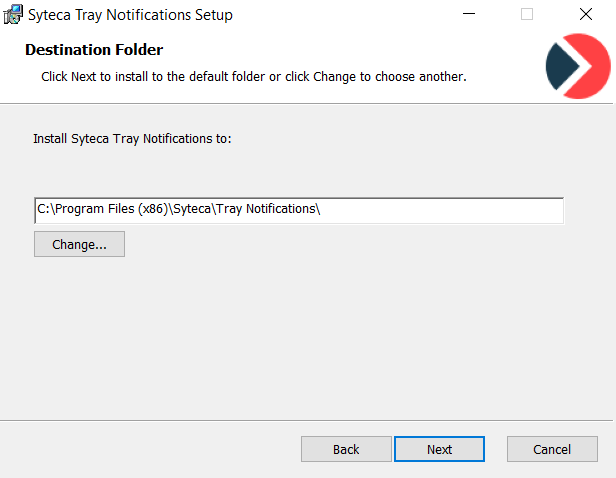
5. On the Destination Folder page, enter the installation path you want to install the application to, and click Next.
6. Click Install to confirm the installation.
7. The installation process starts.
8. When installation is complete, click Finish to exit the Setup Wizard.